Core Innovation
Your Pastor Speaks. The Verse Appears.
VerseAir uses real-time speech recognition to detect Bible references as they're spoken. No clicking, no searching, no volunteer needed at the computer.
- ✓ Sub-second verse detection and display
- ✓ Handles ranges like “John 3, verses 1 through 5”
- ✓ Global accent support with dialect-aware recognition
- ✓ Auto-advance through verse ranges at your chosen speed
- ✓ 90 min/week free — unlimited on Pro
Listening
↓
Display & Projection
Every Screen. Different Content.
Route verses to the main projector, lyrics to the side screens, and timer to the confidence monitor. Each screen gets exactly what it needs.
- ✓ Up to 3 screens (Pro) or unlimited (Enterprise)
- ✓ Confidence/stage monitor with clock and cues
- ✓ Multiview broadcast studio grid
- ✓ 9 display themes + 8 UI themes
- ✓ 10 backgrounds, 18 animation types
Main Projector
“For God so loved the world...”
Side Screen
Amazing Grace
Verse 2
Verse 2
Stage Monitor
10:42 AM
Next: Offering
Next: Offering
Congregation
Everyone Follows Along. On Their Phone.
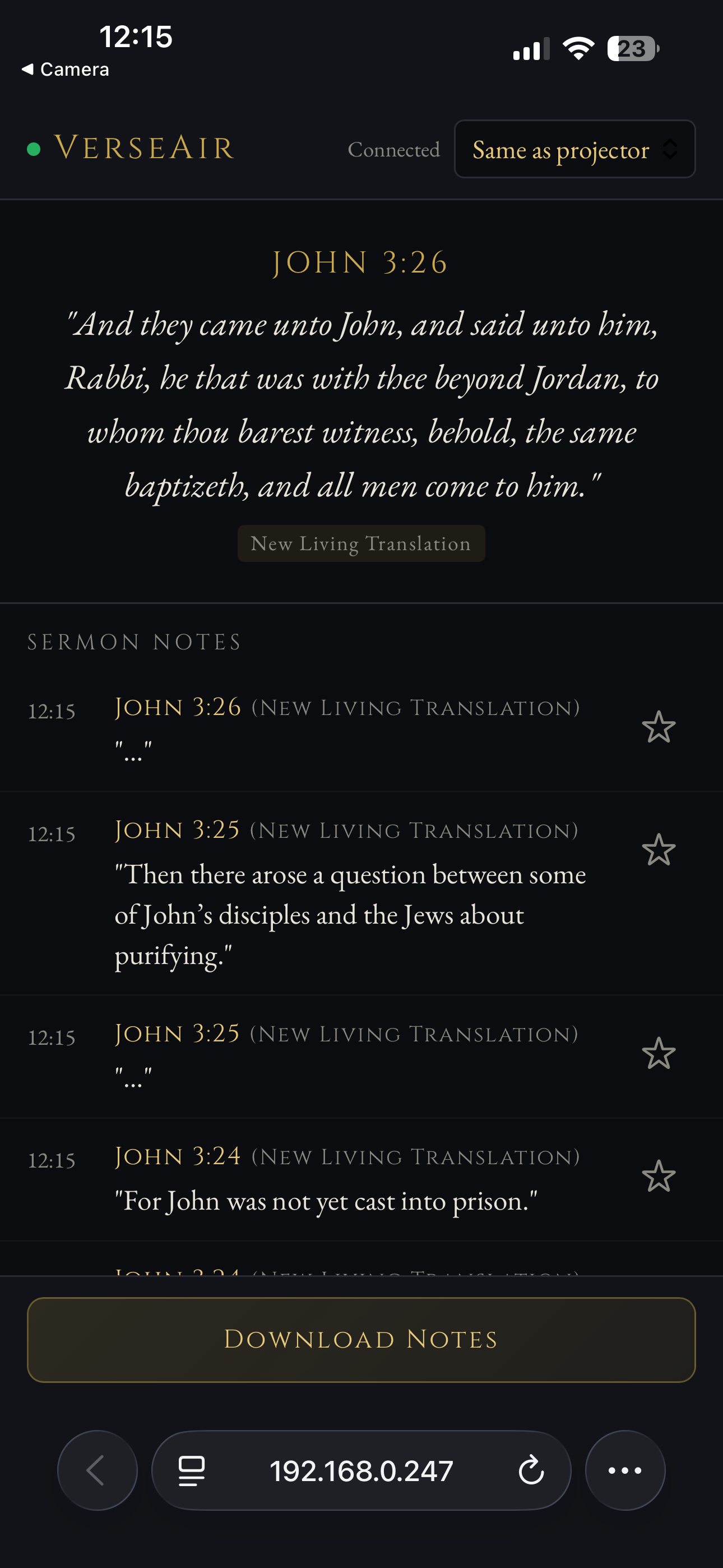
Members scan a QR code and instantly see every verse and lyric on their own device. No app to download — it's a web app that works on any phone.
- ✓ Live verse and lyric sync
- ✓ Personal translation selector
- ✓ Sermon notes feed with bookmarking
- ✓ Export notes as text file
- ✓ PWA installable on iOS & Android